
Save TikTok sounds and music as MP3
Heard a song, a voice-over or a funny sound on TikTok you want to keep? Ssstik TikTok’s MP3 downloader pulls the audio track out of the video, so you can listen offline, use it as a ringtone or keep it for your own edits.
It works with any public TikTok video link. You also get the video download buttons, in case you want both.
How to download TikTok audio as MP3
-

Copy the link
In TikTok, tap Share on the video and choose Copy link.
-
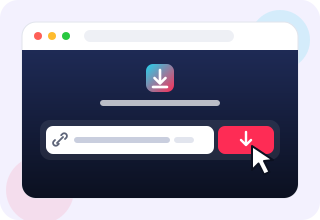
Paste and search
Paste the link into the box above and press Download.
-
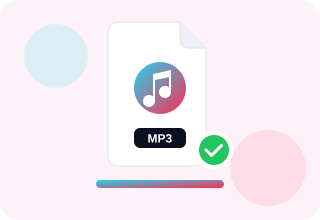
Save the MP3
Tap “Download MP3”. The audio file is saved to your device.
What can I use TikTok MP3 files for?
Listening offline, setting ringtones and alarms, studying a language from a voice clip or keeping a copy of a sound for your own projects. Remember that music is protected by copyright, so use it for personal purposes unless you have the rights.
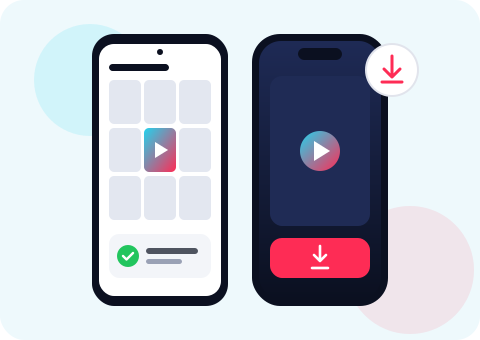
Download TikTok audio on any device
On Android, the MP3 lands in your Downloads folder and shows up in music players right away. On iPhone, Safari saves it to the Files app, where you can play it, share it or open it in GarageBand to turn it into a ringtone.
On Windows, macOS and Linux the file goes to your Downloads folder and plays in any media player, from VLC to the built-in music app.
Tips for the best results
Use the link of the video itself, not of a profile or a hashtag page. If a sound is used in many videos, any of them will give you the same audio track, so pick the one with the clearest sound.
MP3 or MP4 – which should I choose?
Choose MP3 when you only care about the sound: the file is much smaller, it plays in every music app and it is easy to cut into a ringtone. Choose MP4 when you want the picture too, for example to watch the clip later or to edit it into your own video. Ssstik TikTok gives you both buttons, so you can grab each format from the same link.
Frequently asked questions
Is the TikTok MP3 converter free?
Yes, it is free and unlimited.
What is the audio quality?
You get the audio track that TikTok stores for the video, usually 128 kbps or better.
Can I download only the sound, without the video?
Yes. The “Download MP3” button saves only the audio.
Does the MP3 download work on iPhone?
Yes. In Safari, the MP3 is saved to the Files app under Downloads.